
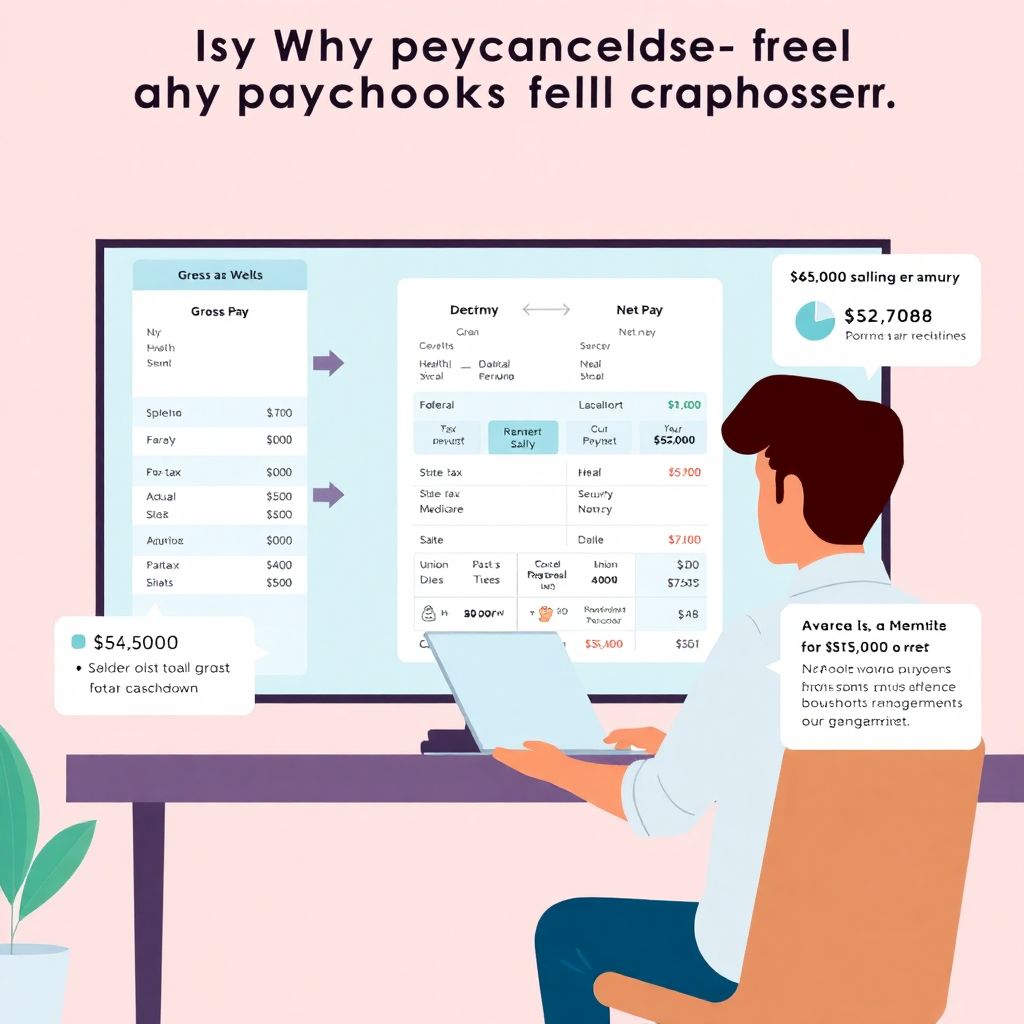
Why your paycheck feels like a mystery (and why it shouldn’t)

If every payday you open your banking app, see the number, and think “wait, that can’t be right,” you’re not alone. Modern paychecks mix taxes, insurance, retirement, and random-looking codes that make it hard to answer a basic question: how much did I actually earn, and where did the rest go? In 2025, with more remote work, multiple gigs, and flexible benefits, that confusion has only grown. The good news: once you understand a few core ideas about net pay and benefits, your paycheck stops being a black box and turns into a powerful financial planning tool instead of a monthly surprise.
Gross pay vs net pay: the core idea behind every paycheck
Before diving into all the detailed lines on a pay stub, you need one clean mental model: gross pay is what your employer promises you; net pay is what you can actually spend. Everything interesting — taxes, benefits, retirement, and even some hidden savings — lives in the space between those two numbers. If you’ve ever played with a paycheck calculator net vs gross pay and wondered why the result doesn’t match your actual direct deposit, it’s usually because of pre‑tax benefits and different tax assumptions that a generic calculator can’t guess for your exact situation.
Real-life example: the “where did $600 go?” moment
Imagine you accept a job at $65,000 a year, paid twice a month. On paper, that’s about $2,708 gross per paycheck. But your bank shows only around $1,950. At first glance, it might feel like $758 just vanished. In reality, that difference is made up of federal income tax, Social Security, Medicare, possible state tax, health insurance, maybe dental and vision, plus a 401(k) contribution you set at 5% during onboarding and then forgot about. Once you see how those items stack up, that “missing” $758 turns into a clear list of taxes and benefits you’re either required to pay or deliberately chose to invest in.
> Technical detail: basic gross-to-net flow (U.S. example)
> 1. Start with gross pay (salary / hours × rate).
> 2. Subtract pre-tax benefits (health, dental, vision, HSA, FSA, traditional 401(k)).
> 3. Apply federal, state, and local income taxes to the reduced taxable income.
> 4. Withhold Social Security (6.2% up to the annual wage base) and Medicare (1.45% plus any additional Medicare tax for high earners).
> 5. Subtract post-tax items (Roth 401(k), union dues, wage garnishments, some insurance).
> 6. The result is net pay — your take-home amount.
Reading your pay stub without getting overwhelmed
Pay stubs are notoriously cryptic because payroll software was designed for compliance and accounting first, and human readability second. You’ll see abbreviations like “YTD,” “Med EE,” “ER Match,” and lines that look like random codes. If your main question is how to understand my paycheck stub deductions without needing an accountant, the trick is to group items mentally into three buckets: income, taxes, and benefits/other. Instead of reading line by line, scan down and ask yourself three questions: how much did I earn this period, how much went to the government, and how much went to benefits or other withholdings.
The three-bucket method for decoding your stub
When you get your next stub, print it or open it on a large screen and highlight each bucket in a different color. Income at the top, all taxes in one color, and all benefits or garnishments in another. Within a few pay cycles, you’ll recognize patterns and no longer feel blindsided.
– Income lines: hourly pay, salary, overtime, bonuses, commissions, PTO payout.
– Tax lines: federal, state, local, Social Security (sometimes “OASDI”), Medicare.
– Benefits/other: medical, dental, vision, HSA/FSA, 401(k), union dues, wage garnishments, transit.
> Technical detail: key pay stub terms you’ll see
> • YTD – “Year to date”; total from January 1 (or your benefit year) through this paycheck.
> • EE vs ER – “Employee” vs “Employer.” EE is taken from your pay; ER is what your company pays on top.
> • Pre-tax vs post-tax – Pre-tax reduces taxable income (good for lowering current taxes); post-tax does not.
> • Taxable wages – Gross pay minus certain pre-tax benefits. Taxes are calculated on this, not your raw gross.
Federal, state, and other payroll taxes: what you actually pay
Most people focus on federal income tax, but it’s only one part of the story. Every U.S. paycheck has at least three tax components: federal income tax, Social Security, and Medicare. Depending on where you live, you might also have state and sometimes local taxes. The rates aren’t random; they come from IRS tax tables, your W‑4 choices, and state rules. If your friend earns about what you do but has very different withholding, it often comes down to filing status, dependents, and whether they chose an extra flat amount on their W‑4.
Real example: two coworkers, same salary, different net pay

Two people both make $75,000 at the same company. One is single with no dependents, the other is married filing jointly with two kids and additional child tax credit eligibility. Even if they both skip benefits, their federal withholding can differ by over $150 per paycheck because IRS tables assume different total tax bills for those family situations. Add in the fact that one lives in a state with no income tax while the other pays around 5%, and it’s easy to see how net pay diverges even when gross pay matches line for line.
> Technical detail: ballpark tax numbers (2025 context)
> • Social Security: 6.2% of wages up to the annual wage base (the cap adjusts almost every year; by mid‑2020s it’s in the low‑to‑mid $160k range).
> • Medicare: 1.45% on all wages, plus 0.9% extra Medicare tax on higher incomes above a threshold.
> • Federal income tax: progressive brackets; exact rate depends on total annual income and filing status.
> • State/local: ranges from 0% (e.g., some states with no income tax) to around 10% in high‑tax jurisdictions.
Benefits: the “invisible” part of your compensation
For many workers in 2025, benefits are worth 20–40% of base salary, yet most people under 35 can’t say what they’re actually getting. When you see “employee benefits explained health dental vision 401k” in HR guides, that’s not just marketing; those four items alone can shift your real total compensation by thousands of dollars per year. If you compare two job offers only by salary and ignore employer-paid health insurance or 401(k) match, you can easily choose the “higher” salary that’s actually the worse deal long-term.
Real-world compensation comparison: $80k vs $72k
Consider two job offers in 2025. Company A offers $80,000 with minimal benefits: you pay almost the full health premium and there’s no retirement match. Company B offers $72,000 but pays most of your health care premium, covers dental and vision, and matches 4% on your 401(k). On paper, A looks better, but once you account for a $450/month employer health contribution and about $2,880/year in 401(k) match at B, the lower-salary job may actually deliver more total value while also reducing your taxable income today.
> Technical detail: how pre-tax benefits help net pay
> • Health, dental, vision, and traditional 401(k) are usually pre-tax.
> • Every $100 pre-tax you contribute can save $20–$35 in combined federal and state income tax, depending on your bracket.
> • Health Savings Accounts (HSAs) and some Flexible Spending Accounts (FSAs) can avoid income and payroll taxes, making them especially tax-efficient for predictable expenses.
Using calculators without misleading yourself
In the age of apps and AI, an online net pay calculator after taxes is a useful starting point, but it’s not magic. These tools can’t automatically know your exact benefits, local taxes, or how often you’re paid. They usually ask for a salary, pay frequency, state, and sometimes filing status and allowances. That’s enough for a rough estimate, not a precise paycheck replication. Treat the result as a baseline, then adjust mentally for your real deductions.
Practical way to use paycheck calculators

If you’ve ever tried a paycheck calculator net vs gross pay tool before accepting a job, you’ve probably seen a neat “estimated take-home” number that later didn’t quite match your first direct deposit. To get closer, plug in not only your salary and state but also estimates for your 401(k) percentage and a rough monthly premium for health insurance. Even a simple extra line for “pre-tax deductions” makes the output much more realistic compared to what payroll will do.
> Technical detail: what calculators typically miss
> • Local city/county taxes where applicable.
> • Union dues, wage garnishments, or voluntary after‑tax deductions.
> • Detailed employer contributions (they don’t hit your net, but they matter for total compensation).
> • Mid-year changes, like adjusting your W‑4 or benefit elections, which can shift withholding patterns.
Step-by-step: how to understand and check your paycheck
When you start a new job or change your elections, don’t just assume payroll is automatically perfect. Systems are complex, and data entry mistakes happen. A simple routine — especially in your first three paychecks — can catch issues early and give you confidence that every line makes sense. Think of it as a quick audit of your own compensation; it usually takes less than ten minutes once you know what to look for.
Simple checklist for every new job or benefit change
– Confirm your gross pay per period matches your offer letter (salary ÷ number of pay periods or hourly rate × hours).
– Verify pre-tax benefits: your share of health, dental, and vision premiums, plus HSA/FSA and 401(k) deferrals.
– Compare tax withholding to expectations: if it seems unusually low or high, revisit your W‑4 or state forms.
> Technical detail: quick math you can do yourself
> 1. Take your annual salary and divide by 26 (biweekly) or 24 (semi-monthly) to find expected gross.
> 2. Subtract estimated pre-tax deductions (e.g., 5% 401(k) + health premium).
> 3. Estimate 20–30% of what’s left going to combined taxes as a rough starting point, depending on income and state.
> 4. The number you get should be in the same ballpark as your net pay. Big deviations are a cue to dig deeper or ask HR.
Why small business paychecks can look different
If you work for a startup or a 10‑person company, your pay stub might look less polished or be delivered in a different format than at a corporation with 20,000 employees. That doesn’t mean it’s wrong; it just means the back end might be handled by one of many payroll services for small business paycheck and benefits solutions that package compliance, tax filing, and basic HR in one subscription. These services have improved a lot by 2025, but setup still depends heavily on the owner or an office manager answering dozens of configuration questions correctly.
Real example: the under-withheld startup paychecks
A five-person tech startup sets up a new payroll system and misinterprets W‑4 entries. For several months, employees notice their net pay seems unusually high. No one complains, but in April the following year, several people owe $1,500–$3,000 in unexpected federal taxes because withholding was too low. The issue wasn’t illegal, just misconfigured. This type of story is becoming less common as payroll tools add better defaults and warnings, but in small businesses it’s still critical for employees to double-check that withholding and benefits align with what they selected.
Benefits in 2025: where paychecks are heading next
Paychecks in 2025 already look different than they did a decade ago, and the trend is accelerating. Hybrid work, gig platforms, and flexible benefits mean more people divide their income across multiple employers or contracts. The classic full-time job with one set of health benefits and a basic 401(k) is no longer the only template. In practice, this means your pay stub might soon show items like “lifestyle spending account,” “student loan repayment benefit,” or “on-demand pay fee,” alongside older staples like medical and retirement contributions.
Three big paycheck trends you’ll see over the next 5 years
– Greater customization of benefits. Instead of one or two health plans, employers are offering “cafeteria-style” menus where you can trade between richer health coverage, more PTO, or student debt assistance. This will increase the number of lines and codes on your stub, but also give you more control over where your compensation goes.
– Real-time pay visibility. Apps are already letting employees see estimated taxes and benefits in real time as they adjust hours or shift preferences. Expect “view-as-you-earn” dashboards that mirror your upcoming paycheck, reducing surprises and making budgeting more granular.
– Integration with personal finance tools. By 2030, it’s likely your payroll data will plug directly into budgeting apps and retirement calculators, showing your total compensation (salary plus employer benefits) and forecasting your net pay under different scenarios — like moving states, changing 401(k) rates, or shifting from W‑2 to contractor work.
> Technical detail: emerging “earned wage access” and its impact
> • Earned wage access (sometimes called “on-demand pay”) lets you withdraw part of your wages before the official payday.
> • While convenient, fees can effectively reduce your net pay, much like small, frequent loans.
> • Regulators are starting to scrutinize these products, so expect clearer disclosure of costs and possibly new pay stub lines showing what was advanced vs what’s newly earned each period.
Making your paycheck work for you, not against you
Understanding your paycheck isn’t about memorizing every code; it’s about having enough clarity to spot problems, compare offers intelligently, and deliberately shape your benefits. In 2025 and beyond, the workers who get ahead will be the ones who treat the pay stub as a financial dashboard rather than a confusing receipt. Start with the basics — gross vs net, taxes, and pre‑tax versus post‑tax benefits — then use modern tools, from an online net pay calculator after taxes to your payroll portal, as supporting aids rather than the final word.
Once you can walk through your own stub and explain each major line in plain language, you’ve crossed the threshold from “I hope this is right” to “I know where every dollar goes.” From there, adjusting your 401(k), optimizing your health plan, or negotiating a better overall package becomes far more practical — and every payday becomes one more data point in a financial plan you actually understand.